

Introduction
If you love fantasy, you know the feeling. You spend hours browsing, searching for the next great series to sink into. The fantasy books market is booming, projected to grow from $17.97 billion in 2025 to $26.01 billion by 2033. With that many options, it is easy to feel lost.
You have choices. The Kindle app is great for Amazon books. Abe Books works for used copies. Project Gutenberg free ebooks are perfect for classics. But one platform stands out for fantasy readers: Google Play Books.
Google Play Books gives you unique benefits for discovering, buying, and organizing your fantasy series. You can preview chapters before buying. You can sync across devices. You can find indie authors and hidden gems you might miss elsewhere.
This guide will show you how to master Google Play Books for your fantasy reading journey. You will learn how to find hidden gems, follow complex reading orders, and build a library you love.
And once you have mastered that world, you might want to explore something different. If you are looking to go beyond fantasy, take a look at The Ridiculous. It offers imaginative worlds with a comic sci-fi twist.
Why Google Play Books? Key Benefits for Fantasy Readers
So why choose Google Play Books over the Kindle app or other platforms? It comes down to three big advantages that fantasy readers will love.
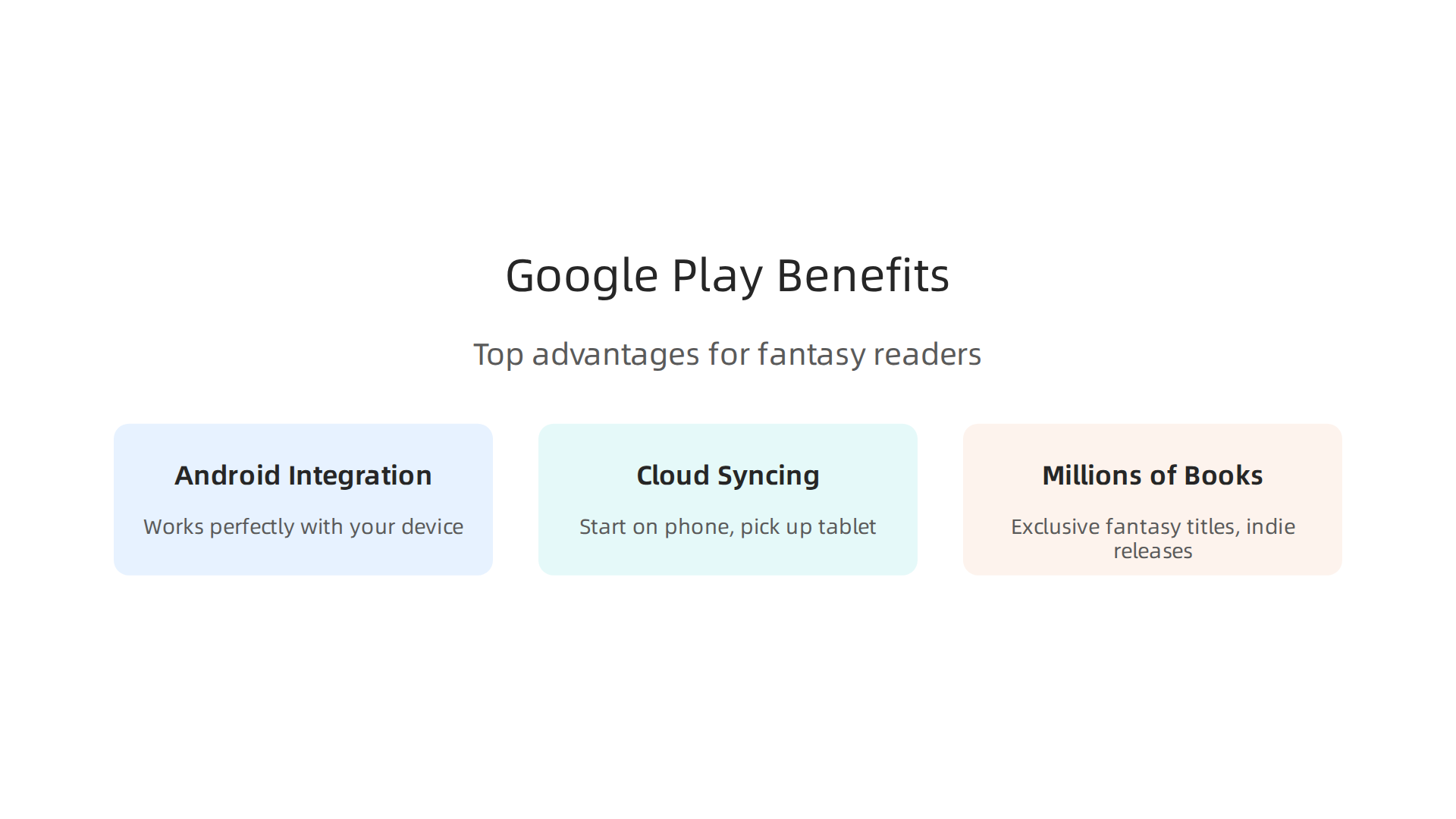
First, if you use an Android phone or tablet, Google Play Books works perfectly with your device. You do not need a separate ereader to enjoy your books. Just open the app, and your library is right there. The experience feels smooth, just like any other Google product you already use.
Second, the cloud syncing is excellent. You can start a chapter on your phone during your morning commute. Pick up right where you left off on your tablet at lunch. Then finish the chapter on your computer that evening.

No fuss. No searching for your place. This seamless sync is a major reason many readers prefer Google Play Books over the Kindle app or Kobo.
Third, you get access to millions of books. That includes exclusive fantasy titles and indie releases you might not find on Abe Books or in Project Gutenberg free ebooks. Many smaller authors publish directly to Google Play, which means you can discover hidden worlds before they become popular. You can also preview chapters before you buy, which is a huge help when you are deciding between similar series. For a deeper look, check out this guide to the best platforms for fantasy books.
Think of Google Play Books as your personal fantasy library that travels with you. It keeps everything organized and synced, so you spend more time reading and less time managing files. And once you have built your library, if you are in the mood for something completely different, Add a Sci-Fi Comedy Detour with a ridiculous series that blends wit and wild worlds.
What Is Google Play Books? A Primer
If you own an Android phone, you might already have Google Play Books on your device. It is a digital bookstore and reading app all in one. Think of it as your personal library that fits in your pocket. According to Wikipedia, Google Play offers over five million titles, making it one of the largest ebook stores available.
The app handles more than just ebooks. You can read EPUB and PDF files, listen to audiobooks, and even enjoy comics and manga. The app also supports reading offline, so you can download your fantasy series and read them on a plane or in a cabin without Wi‑Fi. Audiobook previews are also available on YouTube if you want to sample a narrator’s style before buying.
Getting around the app is simple. You will see three main tabs at the bottom:
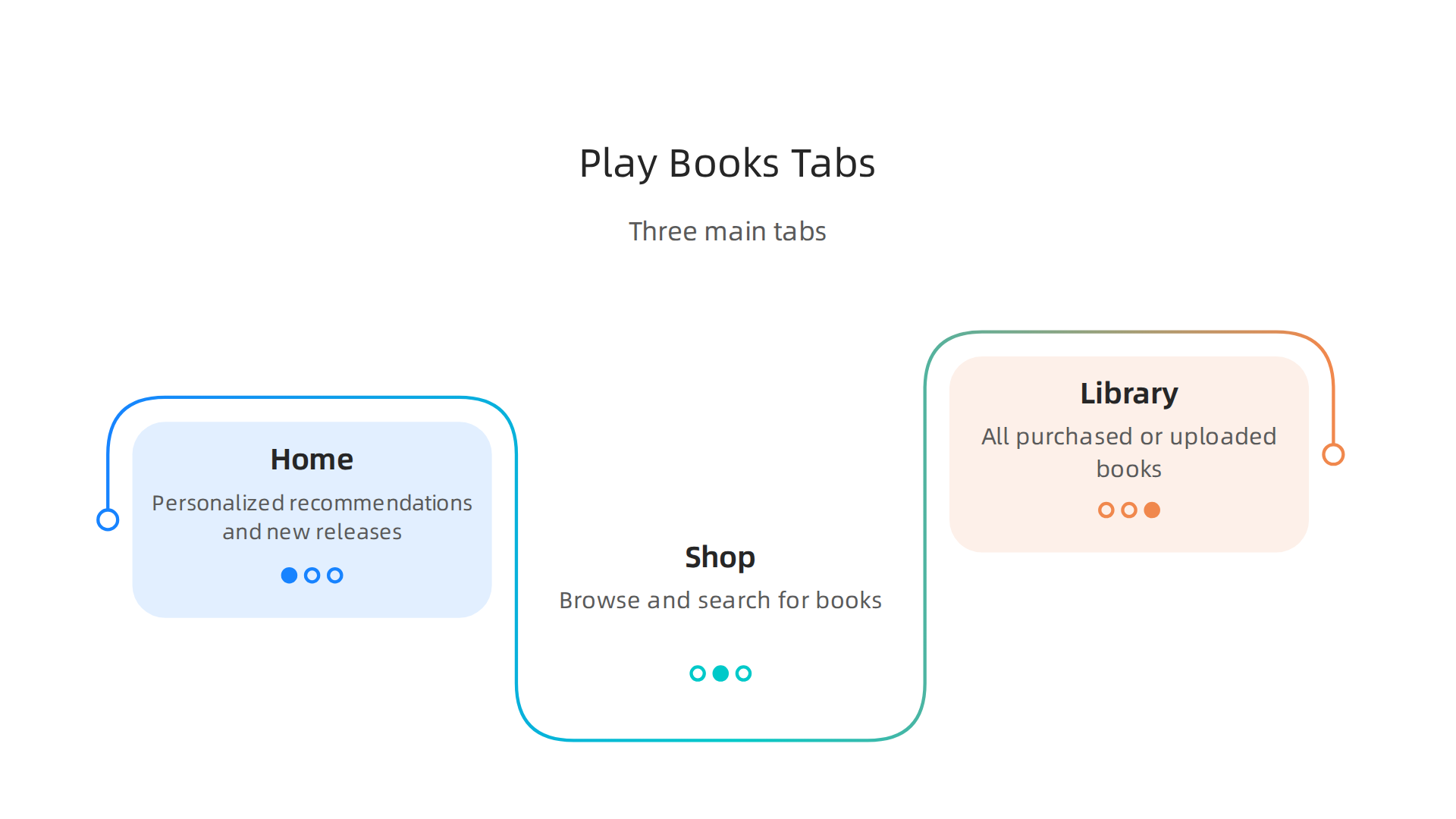
- Home – Shows personalized recommendations and new releases.
- Shop – Lets you browse or search for books by genre, author, or title.
- Library – Displays all the books you have purchased or uploaded.
There is also a search bar at the top for quick lookups. In 2026, Google added beta features like “Custom shelves” to the web client, which gives you more control over how you organize your books.
The app works on your phone, tablet, computer, and even in your car with Android Auto. This makes it easy to switch devices without losing your page. And if you ever need a break from epic fantasy, you can dive into a completely different genre. Check out our guide to the 10 best fantasy fiction books of all time for timeless recommendations.
In short, Google Play Books is a versatile reading platform that handles ebooks, audiobooks, and comics all in one place. It is free to download and comes pre‑installed on most Android devices, so you can start building your digital library right away.
Building Your Library: Buying vs. Free Options
So you know what Google Play Books can do. Now comes the real question. How do you build a great library without spending a ton of money? The answer is you can do both: buy books you love and grab free ones whenever possible.
Buying books is straightforward. You can purchase titles individually using a credit card or Google Play credits. Google Play also runs monthly sales. You can check out their top monthly deals to save on popular fantasy and sci-fi releases. If you collect Google Play Points through the Rewards program, you can even exchange points for book credits. It is a nice way to turn everyday purchases into free books.
Free options are surprisingly generous. First, there are public domain classics. Google Play Books includes thousands of free titles from Project Gutenberg free ebooks. You can download works by authors like George Orwell or Mary Shelley at no cost. Second, you can use the “Send sample” feature. Before buying any book, tap that button. You get a free preview, usually the first chapter or two. This is perfect for checking out highly anticipated 2026 releases like those listed on Goodreads before you commit.
Sampling is especially smart when you are exploring a new genre or author. It saves you from buying a book you might not finish. The sample syncs across all your devices too, so you can start reading on your phone and pick up on your tablet.
If you want to compare Google Play Books with other services like the Kindle app, check out our guide to the best platforms for fantasy books. It will help you decide where to build your digital library.
How to Use Google Play Credits
One smart way to save money on google play books is to use credits instead of cash. You earn credits for free through the Google Opinion Rewards app. You just answer quick surveys, and Google gives you small amounts of Play credit. Google also runs promotions where you get bonus credits when you buy certain items.
When you check out, you see a box that asks if you want to use your Google Play credits. Just tick that box. The credits come off the total price. But there is a catch. Credits usually expire after one year, so you cannot let them sit forever. And you cannot use credits on every single book. Some titles are not eligible.
Here is the best strategy. Save your credits for big purchases. Long fantasy series like The Wheel of Time or Malazan often come in expensive omnibus editions. Those can cost $20 or more. Using credits on those is a huge win. You get the whole series in one purchase without spending real money. For example, you can check out our guide to The Wheel of Time reading order to see which omnibus edition works for you.
If you want to see what new fantasy series are coming out in 2026 that might have omnibus editions later, you can look at the most anticipated fantasy and sci-fi releases of 2026 to plan ahead.
Free Books and Samples
Using credits is great, but do you know what is even better? Free books. The best part about google play books is how easy it makes it to fill your library without spending a dime.
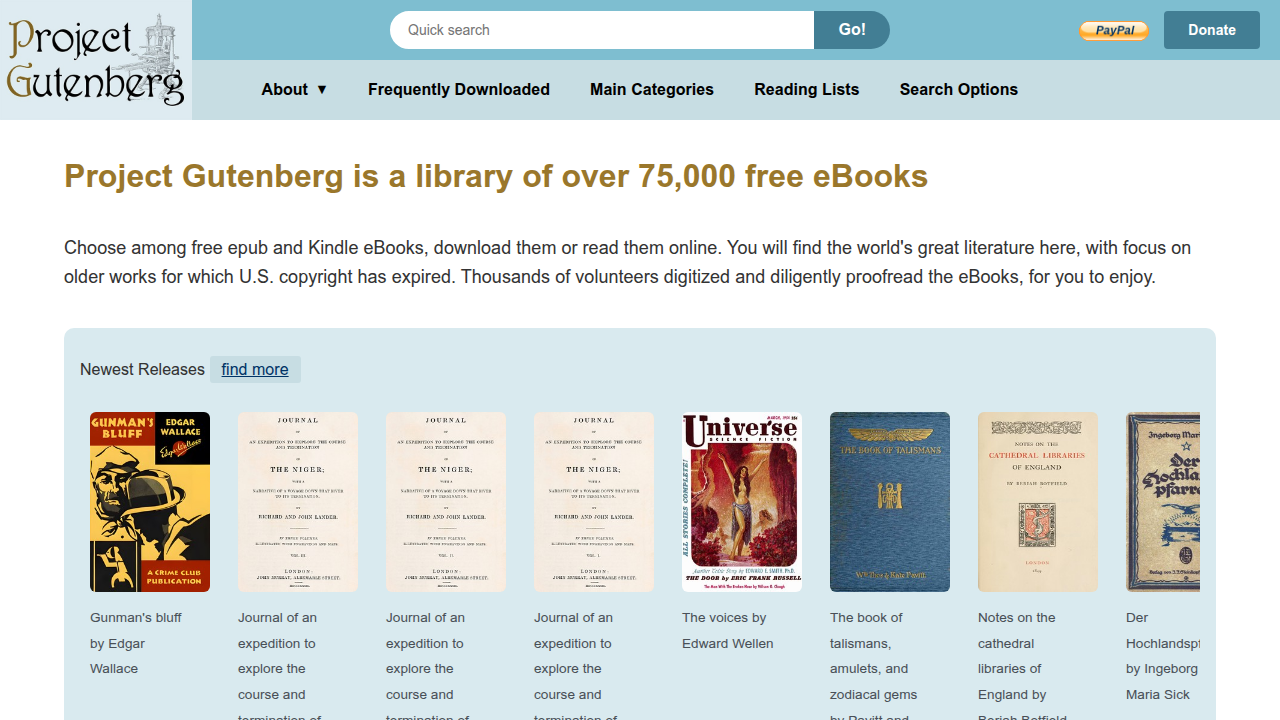
First, there are thousands of free fantasy ebooks in the public domain. You can find works by Robert E. Howard, the creator of Conan, and early works by authors like Ursula K. Le Guin right in the store. If you cannot find a specific title, you can grab it from project gutenberg free ebooks and upload it to your Google Play library.
To find more classic fantasy authors worth adding to your watchlist, check out our guide on the best platforms for fantasy books.
Second, never buy a book you have not tried. Google Play offers a free sample for almost every ebook. Use the preview to test the writing style and narrative voice. I always read the first chapter this way. Sometimes a book sounds great in a summary but just does not click when you start reading. The preview saves you from wasting money on a book you will abandon.
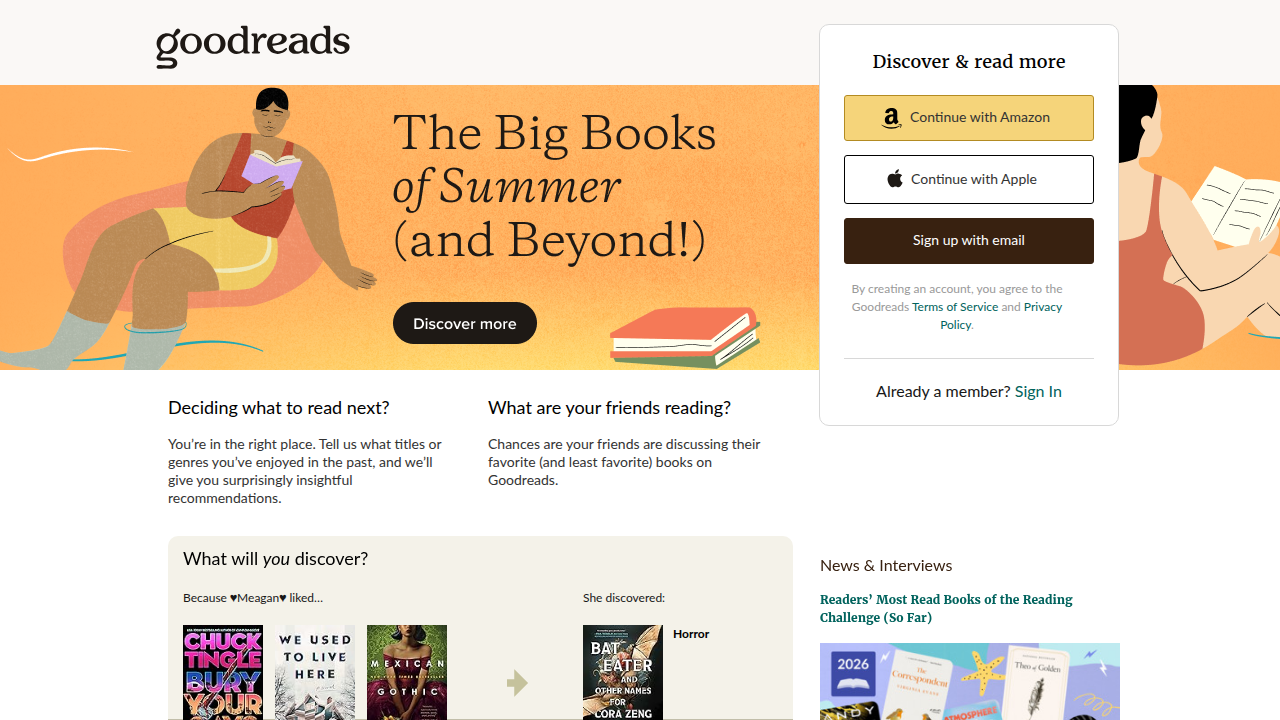
Third, play the waiting game. When you see a book you want, add it to your wishlist. Many books on the platform go on sale. You can find their top monthly deals here. I add all the hot new releases from lists like the Goodreads 2026 anticipated reads to my wishlist and wait.
You would be surprised how often prices drop to just a few bucks or even free.
Discovering New Fantasy Series
Finding a new fantasy series you love can feel like searching for a needle in a haystack. With thousands of books out there, where do you even start? Google Play Books makes this a lot easier with a few smart tools built right into the store.

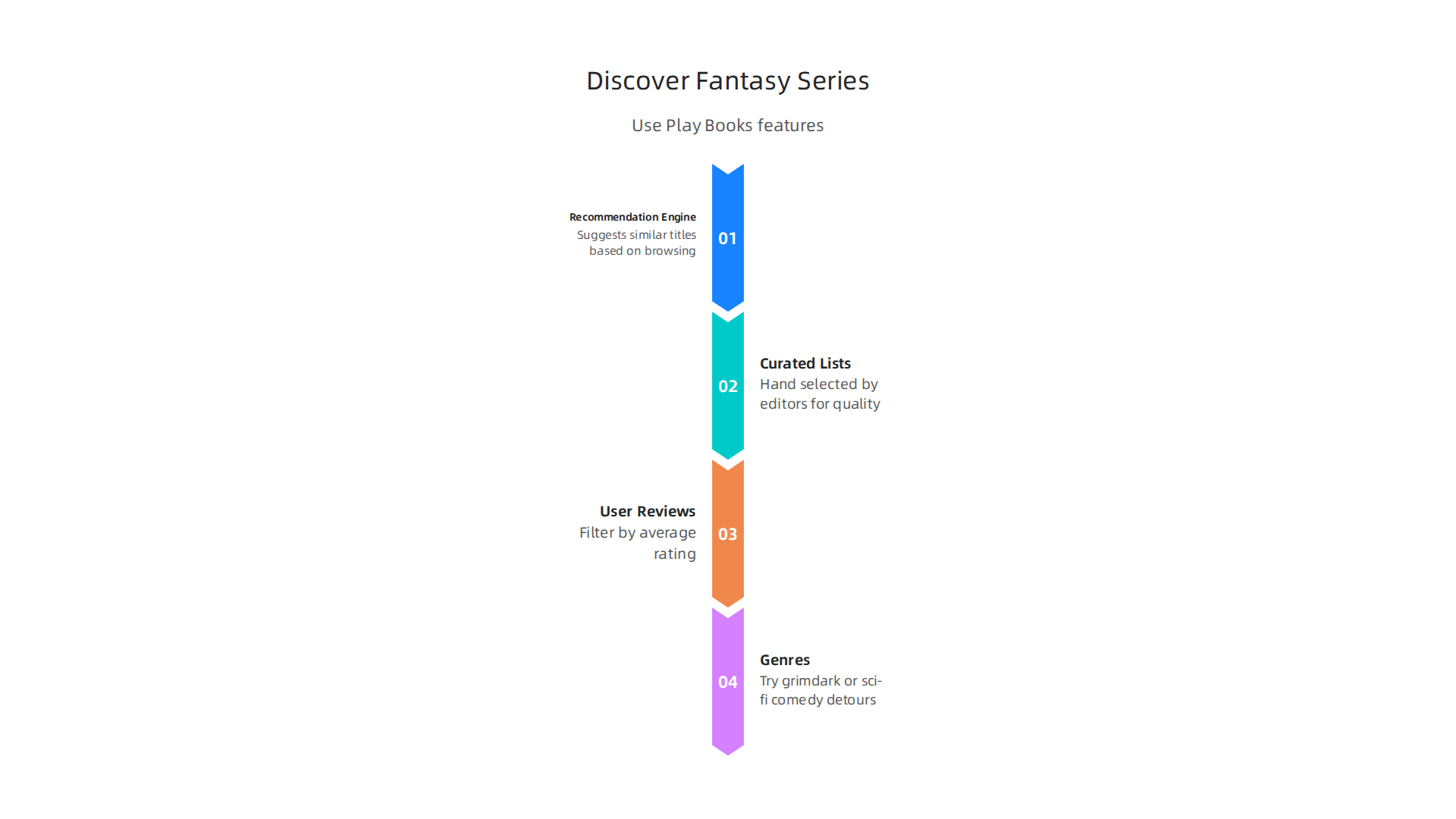
First, the recommendation engine. Google Pay Books tracks what you buy and what you browse. Based on that, it suggests similar titles. If you just finished a doorstopper epic about a brooding hero, it might show you faster paced fantasy with snappy dialogue. I have found some of my favorite hidden gems this way. The engine is not perfect, but it gets better the more you use it.
Second, explore the curated lists. Head to the "Fantasy & Science Fiction" category. Inside, you find "Staff Picks," "Trending," and seasonal collections like "Summer 2026 Must Reads." These lists are hand selected by editors, so the quality is usually solid. For example, you can check out the top monthly deals to see what is popular right now. If you want to go deeper, the Goodreads 2026 anticipated reads list is a great cross reference. Many of those books are on Google Play Books too.
Third, use user reviews and ratings. Do not just look at the star count. Read the written reviews. Look for people who mention the writing style, pacing, and world building. You can filter by average rating to see only books with 4 stars and up. This social proof saves you from picking a dud. I always check a few reviews before I download a sample.
Finally, let the platform help you branch out. If you always read epic fantasy, try a grimdark series from 2026 like the ones highlighted by Grimdark Magazine. Or if you want something completely different, add a sci fi comedy detour. A ridiculous series for fantasy fans who like wit and weird worlds can be a fun palate cleanser between heavy trilogies.
Using these tools, you turn Google Play Books from a simple store into your personal fantasy discovery engine. For more reading order help and series guides, check out our complete list of the 10 best fantasy fiction books of all time to find your next obsession.
Organizing Your Fantasy Collection
So you have found some amazing new fantasy series. Maybe you bought a few on impulse. Maybe you grabbed a free sample or two. Now your library looks like a chaotic dragon hoard. It is time to tame it.

Google Play Books lets you create custom shelves. Think of them like your own personal bookcases. You can make a shelf called "To Read" for all those books you keep hearing about. Another shelf for "Favorites" where the absolute best series live. And one more for "Finished Series" so you never accidentally buy the same book twice. The Google blog explains exactly how to set up themed shelves for your summer reading list. It takes about thirty seconds to start.
Next, use the wishlist feature. This is a lifesaver. When you spot a new release or a book on sale, add it to your wishlist. Google Play Books will alert you when the price drops. No more scrambling to remember that one title you wanted. It just sits there waiting.
Here is a trick I love. You can reorder the books inside a shelf. Drag and drop them in the order you plan to read them. If you want to switch between apps on different devices, you can even sync your reading progress across the Kindle app and Google Play Books. And if you are hunting for older or cheaper options, you can cross check prices on Abe Books before you buy.
Finally, add personal notes and track your reading progress. Google Play Books shows you the percentage you have finished. This is perfect for keeping up with long series or multi book sagas. I use the notes feature to jot down character names or plot twists I want to remember. It turns your library into a living reading journal.
Organizing your collection this way means you spend less time searching and more time reading. For more reading guides and author deep dives, take a look at our complete guide to the best platforms for fantasy books to see how Google Play Books compares to other services.
Reading Features for an Immersive Experience
Once your collection is organized, the real fun begins: actually reading. Google Play Books is built for long sessions, whether you are curled up in bed or commuting on a train. It offers over five million titles, making it one of the largest ebook stores around, according to Wikipedia.
The app has a night mode that changes the screen to a dark background with light text. This is a game changer for late night reading. You can also adjust the brightness by sliding your finger along the left edge of the screen. No more squinting when you switch positions in bed.
You can also tweak the font to match your eyes. Change the size, the typeface, the line spacing, and even the margins. If your eyes get tired, bump up the font size. If you want a cleaner look, adjust the spacing. The app remembers your settings across all your devices. The Google Play Store listing confirms you can enjoy books on your phone, tablet, or computer with offline reading too.
And here is something I love. You can choose between page turning animations or scroll mode. Page turning feels just like flipping a real book. Scroll mode lets you move through the text without any breaks. It is perfect for skimming or reading on a small screen. Google Play Books even works in your car with Android Auto.
These little features make a big difference. You spend less time adjusting settings and more time lost in the story. For more reading guides and author deep dives, take a look at our complete guide to the best platforms for fantasy books to see how Google Play Books compares to other services.
Night Mode for Late‑Night Reading
Do you ever want to read in bed but the bright white screen ruins your sleepy mood? Google Play Books has a great solution. Night mode is a built in feature that changes the background to dark and the text to light.

It is easy to turn on. You can find the toggle right in the reading toolbar under the "Page and screen" settings. Just tap the icon that looks like a moon. You can also set it to turn on automatically when your phone switches to dark mode. The Google Play Books app on Android works with your system wide dark theme settings, so it can switch on at sunset if you like, according to coverage of the latest updates from 9to5Google.
This is perfect for bedtime reading because it cuts down the blue light that tricks your brain into staying awake. Your eyes feel less strained, and you can drift off easier after a few chapters. If you are looking for a fantasy series to read in night mode, check out our complete guide to the reading order for Sarah J. Maas books so you can start a new adventure without missing a beat.
Adjustable Fonts and Layout
Night mode helps your eyes, but what about the text itself? Google Play Books lets you tweak every detail so the page looks exactly how you like it. You can choose from several fonts, including Literata and Roboto, and the app even supports custom font import if you want something different. That means you can turn any reading session into a comfortable experience, whether you are catching up on a Stephen King series or diving into a new indie novel.
You also get to pick your text alignment. Switch between justified or left-aligned text and turn on hyphenation to clean up ragged edges. This is a small change, but it makes a big difference for long reading sessions. And if you are using a tablet, try landscape mode. It shows two pages side by side, just like a real book.
If you are exploring free classics from Project Gutenberg through the app, these layout controls make older texts feel fresh. And for more reading tips, check out our guide to the best fantasy platforms to see how different apps compare.
Navigating Complex Reading Orders
Jumping into a long book series can feel like stepping into a maze. You buy a book, start reading, and realize it is book three in the series. Or you finish a trilogy and then find out there is a prequel you should have read first. For fantasy readers especially, keeping track of complex reading orders is a common headache.
Here is the thing: Google Play Books gives you some simple tools to fix this problem fast.
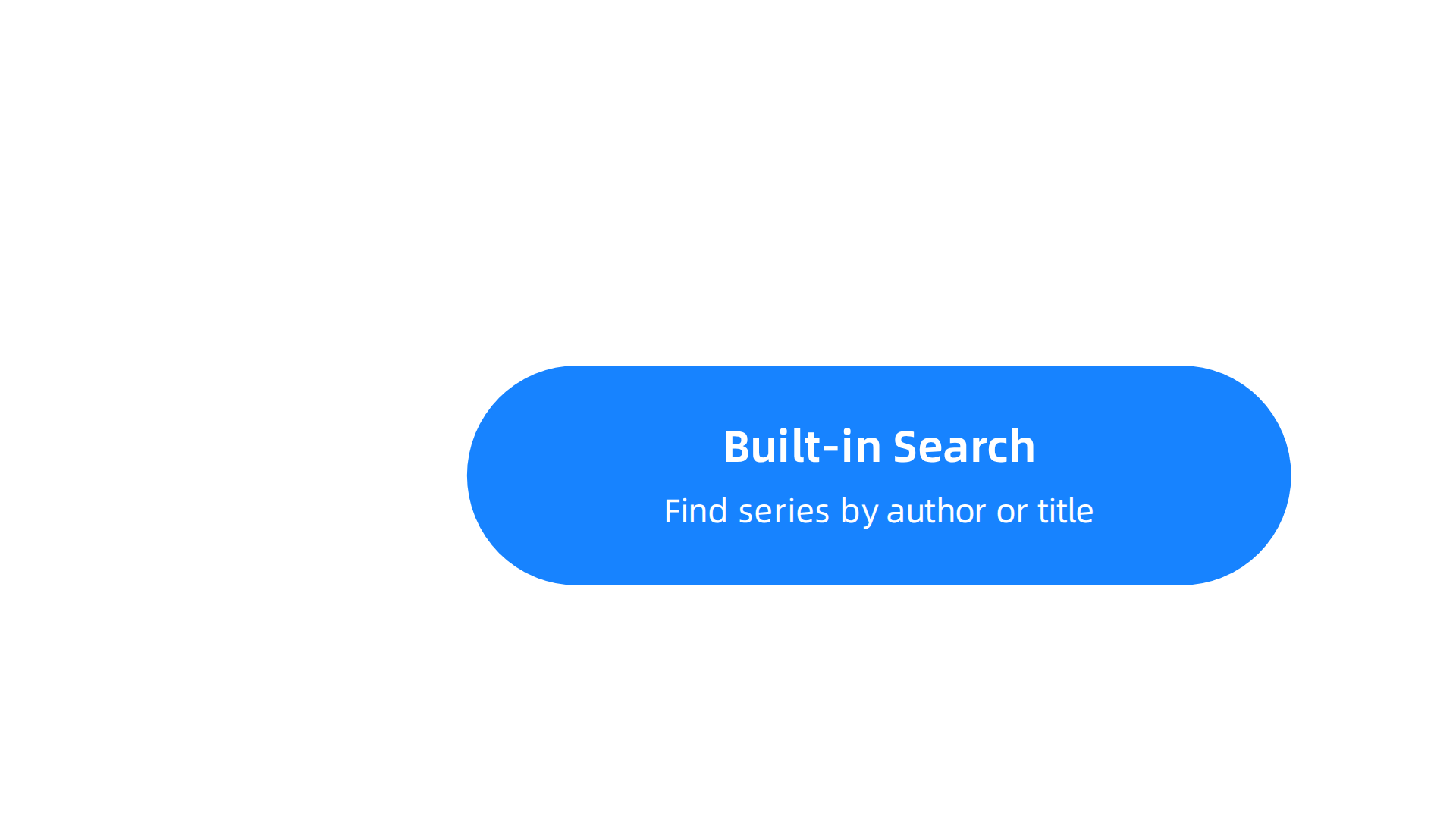
First, the built-in search function is great for finding series by author or title. Just type the series name or the author into the search bar. The app will show you all the related books. You can sort by publication date to see the official order. No more guessing.
Second, you can use the margin notes feature to create your own reading map. When you start a series, highlight the title or the first chapter. Add a quick note like "Read this one first" or "Save this for last." It turns your library into a personal guide. This is especially helpful when you are balancing multiple series at once.
Third, look for the "Series" tag on the book details page. When you shop in the store or browse your library, Google Play Books often links books in a series together automatically. The "Related books" section also points you to the next volume or similar titles you might love.
These tools are lifesavers for massive universes. If you are finally tackling a sprawling saga, check out our guide to the Sarah J. Maas books reading order to see how a dedicated reading plan helps. Google Play’s own support community also shares great tips on how to change book order on a shelf for even more control over your collection.
Organizing your digital library with custom shelves makes managing complex series even easier. As the Google Play Books team has shown, you can group books by theme or reading order to keep everything straight. With these navigation tricks, you will never lose your place again.
Google Play Books vs. Other Apps
When you pick where to buy and read your books, the choices can feel endless. Google Play Books is not the only option. The Kindle app, Kobo, and Apple Books each have their own strengths. So how does Google Play Books compare?
First, the ecosystem matters. If you use Android phones or tablets, Google Play Books fits right in. It syncs across all your devices and the web. The Kindle app works everywhere too, but it pushes you toward Amazon’s store. Kobo is more open but has a smaller device lineup. Apple Books is locked to Apple devices. For a full hardware comparison, check out the best e-readers of 2026 tested by TechRadar.
Second, price. The prices between these apps are often very close. One detailed guide found that Kobo and Kindle are usually within a dollar of each other for most titles. Google Play Books stays competitive and sometimes offers better regional deals.
What really sets Google Play Books apart are two unique features. Google Play Points give you points for every purchase. You can spend those points on discounts, which saves you money over time. Family sharing lets you share books with up to five family members at no extra cost. Other apps have limits on sharing or charge more.
If you want to explore free classics, you can also find thousands of titles through Project Gutenberg free ebooks and load them into any app. For rare used books, Abe Books is another resource outside these apps.
For fantasy readers who manage complex series, Google Play Books is a solid choice thanks to its Android integration and sharing perks. Want a full breakdown of all platforms for fantasy books? See our guide to the best platforms for fantasy books.
Looking Beyond Fantasy? The Ridiculous offers imaginative worlds with a comic sci-fi twist.
Pricing Differences
When you are trying to save money on your next fantasy read, pricing really matters. The good news is that Google Play Books often matches the prices you see on the Kindle app and Kobo. One detailed guide shows that Kobo and Kindle prices are usually within a dollar of each other for most books. Google Play Books stays right in that competitive range too.
But here is where it gets better. Google Play Books has unique discounts that can save you more over time. Google Play Points give you points on every purchase you make. You can cash those points in for discounts on future books. The other apps do not have a system quite like that.
For international fantasy readers, Google Play Books is a great pick because of regional currency pricing. Depending on where you live, you might see better prices than on Amazon or Apple Books. Want to see how the best platforms stack up for all kinds of fantasy? Check out our guide to the best platforms for fantasy books.
Library Management Features
Keeping your fantasy collection tidy can be a challenge. Google Play Books uses a simple "shelf" system. You group books however you like, like "Favorites" or "TBR." The Kindle app uses "Collections," which works similarly. Apple Books calls them "Categories."
All three let you sort and filter by author, title, or genre. But here is a small difference. Google Play Books does not have the automatic "collections based on series" feature that Kindle offers for some book sets.
For serious tracker fans, Google Play Books lets you export your library data. That means you can use apps like StoryGraph to log your reading progress and reviews. Kindle mostly pushes you toward Goodreads. If you love keeping detailed notes on your favorite series like the Sarah J. Maas books world, the export option is a big win for you.
Summary
This article is a practical guide to using Google Play Books as a fantasy reader’s main digital library. It explains what Google Play Books is, why its Android integration and cloud sync make it ideal for long series, and how the store’s catalog and discovery tools help you find indie and classic fantasy. The guide covers buying versus free options, how to earn and spend Google Play credits, and tactics like wishlists and samples to avoid wasted purchases. It also shows how to organize collections with custom shelves, keep complex reading orders straight, and tweak night mode, fonts, and layout for comfortable reading. Finally, it compares Google Play Books with other apps so you can pick the best platform for your habits. After reading, you’ll know how to discover hidden gems, save money, and build a tidy, easy-to-navigate fantasy library that travels with you.